Pro AI Writer · Comparison
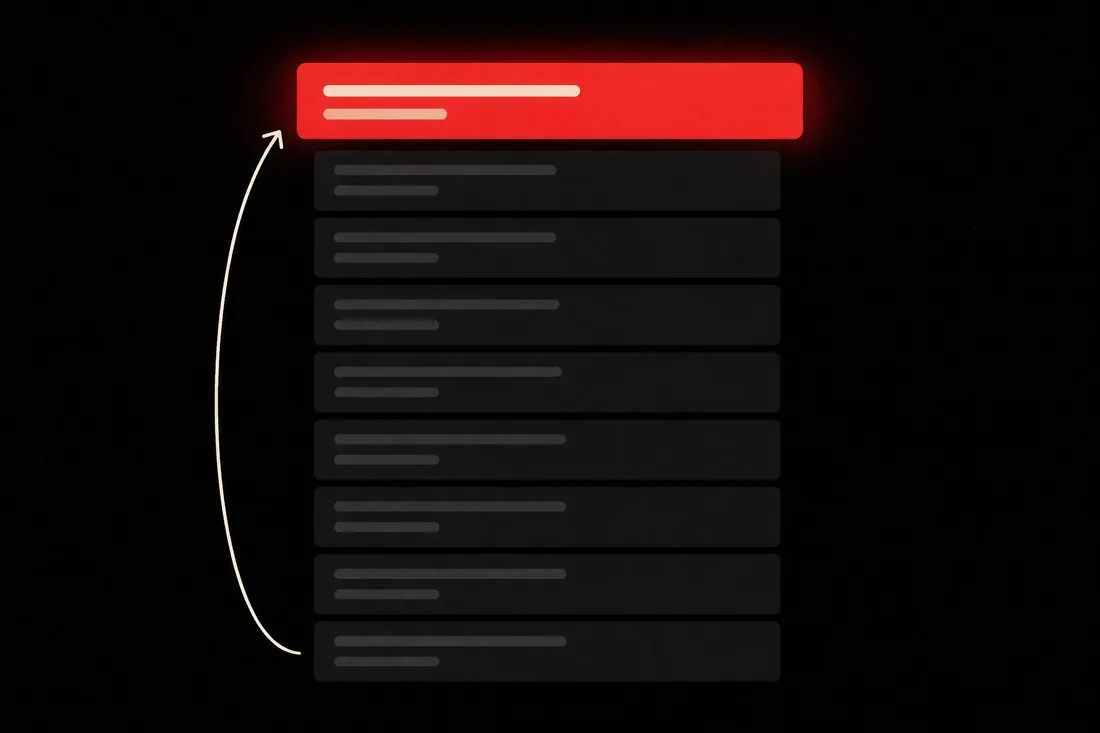
"X vs Y" is a two-name search. Only a head-to-head ranks.
That searcher is stuck between two named things. A page about one of them can't hold that slot.
- A two-name search wants two names. — This format compares instead of describing, so the page is the right shape.
- It reads the head-to-heads already ranking. — What they all compare on, and what only one of them bothers with.
- What all ten of them forgot to compare. — That short list is where a better page hides.
- The criteria are locked before either half is written. — Price, capability, support — fixed first, then both sides answer the same list.
- Skip that and you get two brochures. — Which is what almost every ranking comparison actually is.
- One winner is the wrong answer. — It writes several, split by who each option suits.
- A scanner, not a promise. — It rewrites machine-sounding lines. It won't claim a detector pass.
- A draft is $2. — Headline options are 40¢. Publishing is free.
Two options in, one verdict out,
on the search with a card behind it.
Somebody is typing your client's product next to a rival's right now.
They have narrowed it to two. This is the last search before money moves.
Look at what Google shows for it. Every result is a head-to-head.
A page about one product is the wrong shape, so it never competes.
And a page that shrugs at the end loses the slot anyway.
This one judges both sides on the same criteria, then picks.
No card required. See every tool and every price before you spend anything.
Pick a pairing you already know the answer to.
That's the cheapest test you'll ever run on a writing tool. Read the recommendation before you read anything else. The account is free and takes no card.
No card required. See every tool and every price before you spend anything.
How a comparison gets built
Why the criteria are settled before either side is written.
Write X first and Y second and you'll judge Y on different things.
- 01
Give it both names, the keyword, and pick Comparison
A real format setting, not a line added to a prompt. It changes the outline, the headings and the scoring.
- 02
It reads the pages ranking for that pairing
The live top ten, checked for what they compare on — and the criteria only one or two of them bother with. That second list is small and it's where a better page hides.
- 03
The criteria get locked
Price, capability, support, whatever the research found. Both sides then answer the same list, in the same order.
- 04
The company brief goes in
Positioning, terminology and topics to avoid, from the client's own site. Your client never gets credited with a capability they don't have.
- 05
The recommendation is split by use case, and written last
Not one winner for everybody. Drawn from the evidence already on the page.
- 06
Score, scan, publish
A hundred-point score with the missing terms named, the AI-likeness scan, then one click to the blog. Or route the draft into a guest post instead.
What you end up holding
Both sides on one page, and a reader who decides.
Picture the next time a client asks why a competitor owns the comparison search. You don't explain.
- The article
- Both sides on matching criteria, in matching order, with the recommendation split by use case.
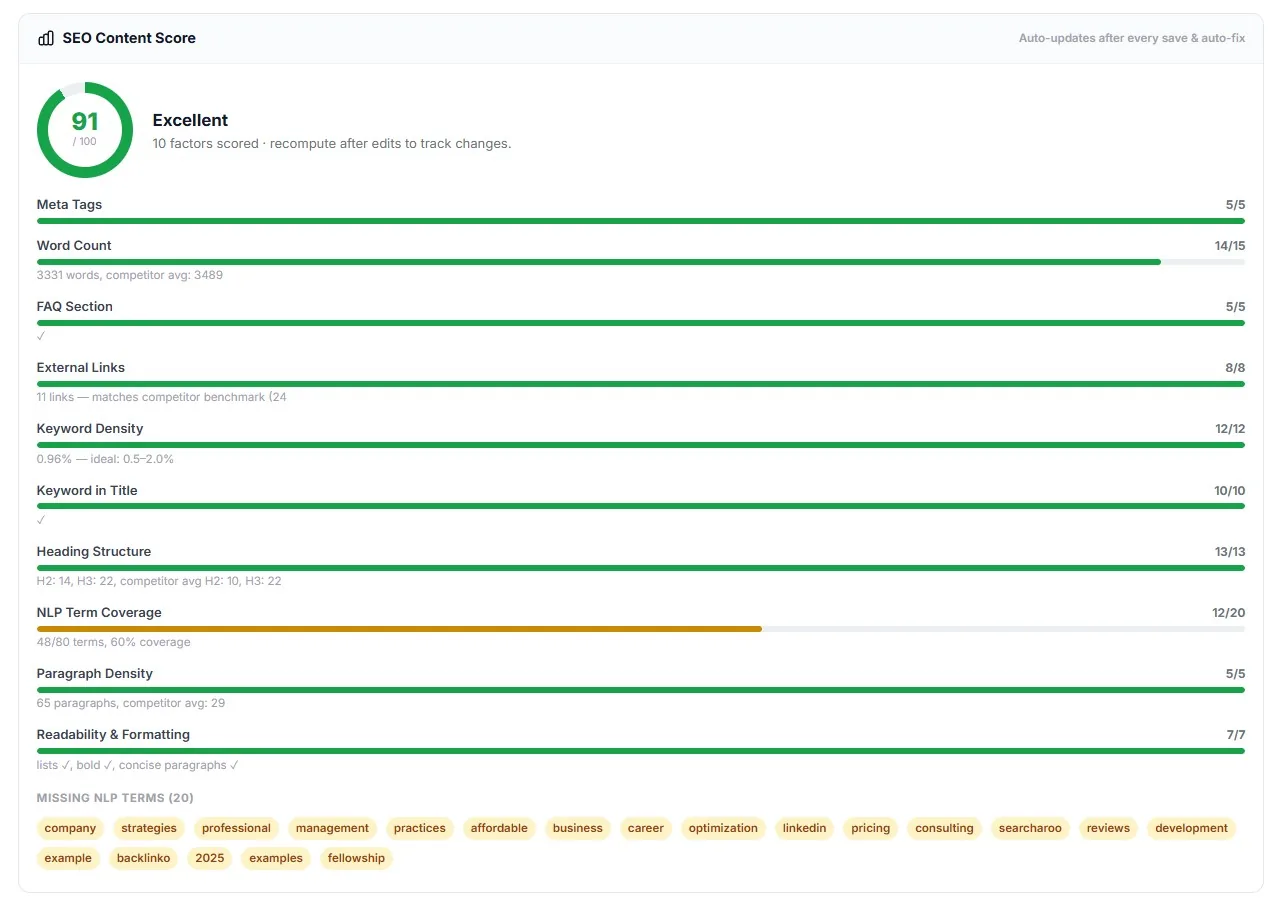
- A 100-point content score
- Broken down by category. Keyword coverage is the row to watch on this format.
- An AI-likeness report
- What the scanner flagged and rewrote. It cannot guarantee a pass on any commercial detector, and says so on screen.
- Headline options
- A batch of alternatives for 40¢. Word order decides which of the two names gets the click.
- A featured image
- Generated from the article's own opening, not from the title. 80¢ to redo it.
- Meta title and description
- Written from the finished draft. No comparison-table structured data.
A draft is $2. Publishing costs nothing.
Charged once, with no per-word meter. Headline options are 40¢. Credits don't expire.
No card required. See every tool and every price before you spend anything.
The countable part
What it costs, and what it actually does.
- Format
- Comparison — one of eleven, set per article.
- The search it matches
- "X vs Y", "X or Y", "alternatives to X". A buyer who has narrowed it to two and wants someone to pick.
- Full draft
- $2.
- Headline batch
- 40¢.
- Featured image redo
- 80¢.
- Cost per finished comparison
- $2.40, headline options included.
- Publish to blog
- Included. WordPress or stored credentials.
- Company brief
- $2, once per client. Refunded if it fails.
- Failed run
- Refunded automatically. You don't pay for a broken draft.
- Research
- The live top ten for the pairing, read the moment you press go, checked for the criteria those pages compare on.
- Structure
- Shared criteria across both sides, in matching order, then a recommendation split by use case.
- Word count
- Auto-targets the competitor average plus 10%, minimum 1,500 words. Or set your own, up to 8,000.
- Scoring
- 100 points across 10 weighted factors, plus an AI-likeness scan.
- Hands-on testing
- None. It reads what ranks. First-hand experience is yours to paste into the instructions.
- Structured data
- None, including comparison-table markup. Meta title and description only.
- Internal links
- Suggested at publish time against the client's existing posts. Not inserted during generation.
- Delivery date
- We don't publish one. A made-up estimate breaks a promise faster than silence does.
Credit costs are the live values on your account, printed on the button that spends them. Dollar figures come off the same rate card that runs checkout.
What it costs to find out
Name both products free. Price the comparison before it runs.
Creating the account, adding the client and typing in the two things being compared all cost nothing. A draft is $2, and the button says so before it runs.
Creating the account is free. Not a trial that takes your card "for verification" — no card at all, and no call with anyone.
And nothing expires on a timer. Credits sit in the account until you spend them.
When you're ready to spend
$0.35–$0.50
per credit, improving with the volume you commit to
See the full pricing page →What you are not signing
No contract, no minimum, no quote and no call. Buy credits monthly if the volume suits you, or buy a block once and owe nothing after it.
Every deliverable in the platform prints its credit cost on the button that spends it, so you always price the work before you run it.
No card required. See every tool and every price before you spend anything.
Before you ask
The questions we'd ask before pointing this at a client.
- What does a comparison article do for my search rankings?
- It makes the page eligible for a two-name search. Google answers "X vs Y" with head-to-head pages, so a page about one product isn't in the running. This writes the head-to-head, judged on the criteria the ranking pages use.
- If it reads what already ranks, isn't my page a remix of theirs?
- It would be if the research stopped at what everyone covers, so it doesn't. It also pulls the criteria only one or two of those pages bother with. That short list is the part your page can own.
- Will this rank my page?
- We won't promise a ranking, because nobody honestly can. What it does is make the page eligible to compete: the right shape, both sides judged on the same criteria, and a recommendation the reader can act on. Links and the rest of the site decide the rest.
- Has it actually used either product?
- No. Neither has most of what currently ranks for that pairing, which is the uncomfortable part of this whole category. Your own hands-on notes go into the instructions.
- Will it always pick my client's product?
- Not automatically. The research is what it is, and a page that visibly always picks the house brand converts worse than one that doesn't.
- Can it compare more than two things?
- It can. Mostly you shouldn't. X vs Y is a specific search, and a third option dilutes both.
- Does it build the comparison table?
- It writes the comparison in prose and headings, and emits a meta title and a meta description. There is no structured-data output.
- Will it pass an AI detector?
- We won't promise that, and anyone who does is guessing. The scanner is local. It rewrites machine-sounding passages and reports what it changed, and it cannot guarantee a pass on any commercial detector.
- What does a comparison actually cost?
- $2 for a full draft. Headline options are 40¢, so a finished comparison is $2.40. Publishing is free.
Two options in, one verdict out,
on the search with a card behind it.
Here's the part that has nothing to do with us. The pairing gets searched this month whether you publish or not. Whoever owns it collects the links, the recall and the buyers who never see your client's name.
So picture six months out. Either the comparison is still on a content calendar, unassigned. Or your client's page is the one that ends the decision, both options judged on the same criteria.
Pick a pairing where you already know the winner. Read the last section first. That thirty seconds is the whole buying decision.
P.S. — I know why you're hesitating, and it isn't the $2. The last tool you tried made something you'd never put a client's name on. So: the account is free, no card, nothing expires, and a failed run refunds itself. Name two products you know inside out and read the recommendation. If it doesn't match yours, you learned that for less than lunch.
No card required. See every tool and every price before you spend anything.
The rest of Pro AI Writer