Local SEO · Map Grid Scans
You can't fix what you can't see. A grid shows where you vanish.
Local rank changes street by street. One average score hides the streets where you don't show up at all. A scan is $8.
- One number is an average. — An average hides every street where you're missing.
- This draws a shape, not a score. — Up to 225 points, green at the top three, grey when you're not in the pack.
- About 4¢ per sampled point. — A scan is $8. It's the cheapest thing in this family, on purpose.
- Click a grey cell. — You see the exact pack that showed up on that block instead.
- Day 1 stays on every point. — The first reading we ever took sits beside the current one.
- Scan again after the work. — Two maps side by side beat any claim you could make.
- This moves nothing by itself. — It's a measurement, which is exactly why you run it first.
- Google only. — Bing and Yahoo hide the grid controls rather than fake them.
See every street where the pack drops you,
before you pay to fix the wrong thing.
Local search gives a different answer on every street.
Someone a mile away sees a different map pack than you do.
So one average score hides where the business actually loses.
You can rank first at your own door and vanish four miles out.
A grid checks the pack at up to 225 separate points and colours each one in.
You can't fix a gap you can't see.
No card required. See every tool and every price before you spend anything.
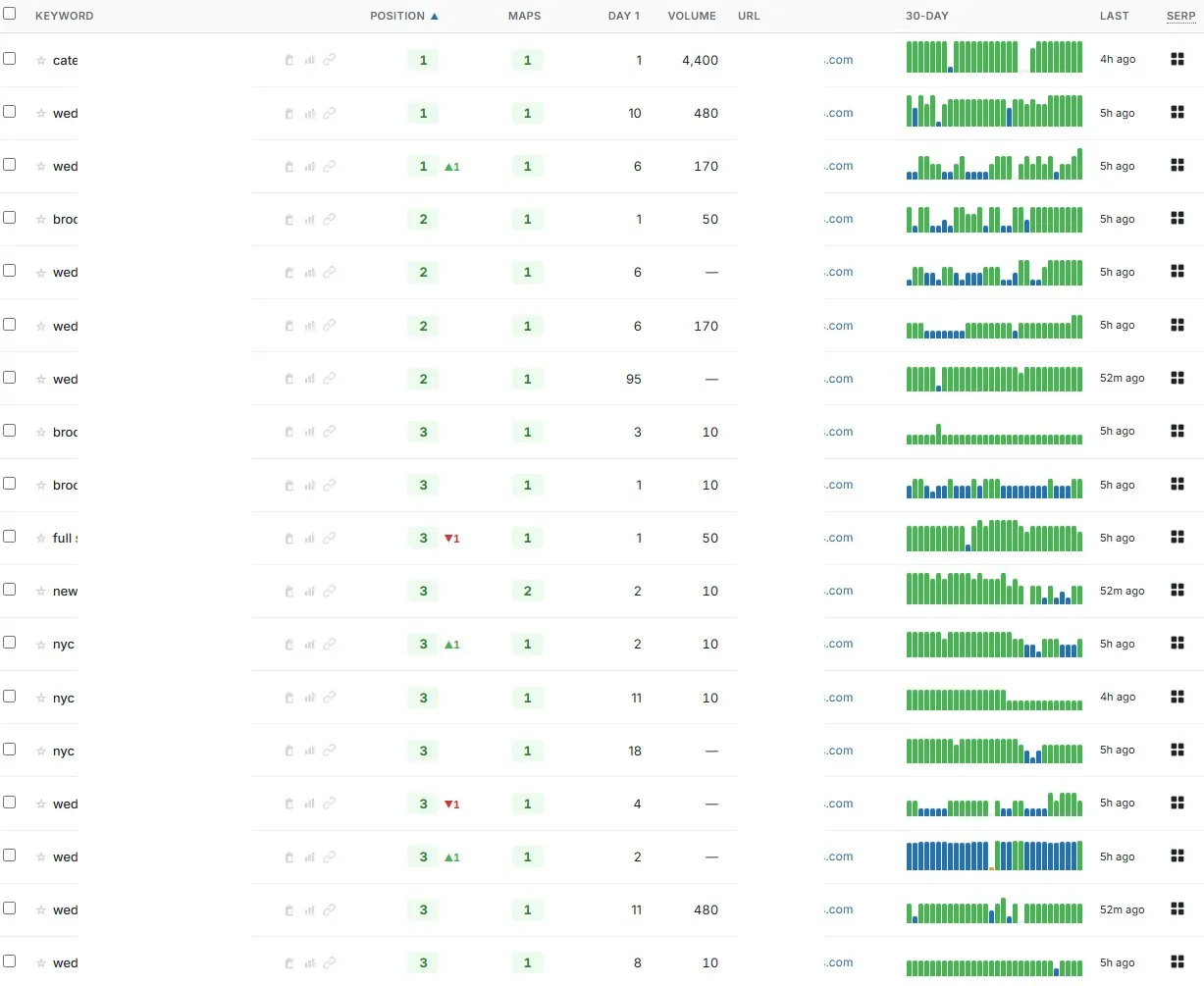
The map-pack mystery, named
Your rank check measures the one point where you look best.
That's not a bug. It's how a single-point check works.
The office is where being close helps the most. So first at the door and eleventh four miles out still reads as "we rank first."
The client believes the number. You defend the number. The vans drive past grey cells every day.
Now the part we'd rather you heard from us. This product makes nothing. No link. No listing. No map to embed.
It costs money and changes nothing on its own. Anyone selling a scan as a ranking fix is selling a thermometer as medicine.
Here's why it still goes first. Buying citations, Profile links or a radius map for a client whose coverage is already fine is money on a solved problem.
Draw the map before you buy anything to fix it.
No card and no minimum. Set up the client, drop a grid over their towns, and read the number on the scan button.
No card required. See every tool and every price before you spend anything.
How a scan runs
Set it up once. Read it street by street.
Setup takes about a minute. The settings decide whether the picture is useful or just pretty. Set the radius to the area they really serve.
- 01
Open the client's rank project
No separate wizard. A project exists the first time you open a client's rank page. Grid and map-pack tracking are Google only.
- 02
Choose how the grid is laid out
ZIP-based, or a geographic mesh from 5×5 up to 15×15 — 25 to 225 points. ZIP mode covers 10, 15, 25, 40, 60 or 100.
- 03
Set the radius honestly
Three to fifty miles. A fifty-mile grid on a business that works within eight gives you a wall of grey and no information.
- 04
Pick the grid keywords
Up to 25 active per project. Pick the terms that bring calls, not the ones with the biggest volume.
- 05
Run it now, or on a schedule
Weekly, bi-weekly, monthly or manual. Manual costs nothing recurring, and a schedule shows its cost before you switch it on. A one-off scan is $8.
- 06
Read the map, then read the points
The heatmap gives you the shape. The table gives you each point: ZIP, distance, position, movement, comparison date and Day 1.
- 07
Fix something. Scan again. Compare.
History stays against the client. The second scan is a before-and-after, which is the closest thing to proof this industry offers.
What you end up holding
A picture a client understands in two seconds.
Picture the review call. You share the screen.
- The heatmap
- Green for one to three, light green for four to ten, grey for not in the pack. The client's ZIP is marked.
- A table for every point
- ZIP, location, distance, position, change, comparison date and Day 1. Missing reads "Not in pack", never a blank pretending to be a rank.
- The pack at any point you click
- Open a cell and see who owns that block. Useful — but not competitor tracking as a feature.
- A summary per keyword
- Average position and top-three share across the grid. One number when you want one, never the only thing you have.
- A view-only view in the client portal
- Your subdomain, your logo, CSV export. Every cost figure stripped out of what the client sees.
A scan is $8. Measure first.
Charged per run. It's the cheapest thing we sell in this family, on purpose.
No card required. See every tool and every price before you spend anything.
The countable part
What it costs and what it does.
- Cost
- $8 per scan, charged per run.
- Cost per sampled point
- About 4¢ at the densest mesh — $8 spread across 225 points.
- Engine
- Google only. Grid and map-pack controls are hidden on Bing and Yahoo.
- Grid mode
- ZIP-based, or a geographic mesh.
- Grid size
- Mesh: 5×5, 7×7, 9×9, 11×11, 13×13 or 15×15 — 25 to 225 points. ZIP mode: 10, 15, 25, 40, 60 or 100.
- Radius
- 3, 5, 10, 15, 20, 25, 30 or 50 miles.
- Keywords
- Up to 25 active grid keywords per project.
- Frequency
- Weekly, bi-weekly, monthly or manual only, with a chosen scan day.
- Output
- A heatmap plus a table for every point: ZIP, location, distance, position, change, comparison date and Day 1. Missing reads "Not in pack".
- History
- Kept against the client record, so any two scans can be compared.
- What it isn't
- Not a link product. Not competitor tracking. No keyword tags or groups. No share-of-voice or visibility score. It measures your client's map-pack position, and that's the whole job.
- Delivery date
- We don't publish one, here or anywhere else. A scan runs when you run it, or on the schedule you set.
Dollar figures here are quoted at the 1,000-credit plan rate. Buy in smaller amounts and they cost a little more; the pricing page shows the whole curve, and the button always prints what it is about to spend.
What it costs to find out
Size the grid over the service area. Then read the price.
Making an account and adding the client's Business Profile needs no card. Size the mesh over the towns they really serve — a scan is $8.
Creating the account is free. Not a trial that takes your card "for verification" — no card at all, and no call with anyone.
And nothing expires on a timer. Credits sit in the account until you spend them.
When you're ready to spend
$0.35–$0.50
per credit, improving with the volume you commit to
See the full pricing page →What you are not signing
No contract, no minimum, no quote and no call. Buy credits monthly if the volume suits you, or buy a block once and owe nothing after it.
Every deliverable in the platform prints its credit cost on the button that spends it, so you always price the work before you run it.
No card required. See every tool and every price before you spend anything.
Before you ask
The questions we'd ask before pointing this at a client.
- So what am I actually buying here?
- A picture of where your client ranks in the map pack, street by street. Nothing else — no links, no listings, no placements.
- This doesn't actually fix anything, does it?
- No. It's the one product in this family that ships no asset — it measures, and measuring changes nothing. Anyone selling a scan as a ranking fix is selling a thermometer as medicine.
- Will this get my client into the map pack?
- No. A scan shows where the profile already sits. It does not move the profile. Run it so you know which towns need the work before you pay for citations, Profile links or a radius map.
- Can I see what my competitors are doing?
- Not as a tracked feature. Click any point and you'll see the pack showing there, which is useful and real.
- Why does the grid look worse than my rank report?
- Because your rank report is one measurement from one place, and it's almost always the flattering one. The grid includes every point where the profile is fourth, eleventh, or missing.
- How big should I make the grid?
- Match it to the service area, not to ambition. A 5×5 at five miles is the right first scan for a shop with a local catchment.
- What does a scan cost?
- $8. At the densest mesh that's about 4¢ a point.
See every street where the pack drops you,
before you pay to fix the wrong thing.
Here's the part that has nothing to do with us. Every month you report one flattering number, the outer towns stay grey. Those jobs go to whoever already shows up there.
So picture two versions six months out. In the first, the same single number and the same quiet Tuesdays nobody can explain. In the second, two grids side by side on a screen share — same map, six months apart, and the grey has somewhere to go.
Run it on a client you think is doing well. A map you expected to be green and isn't is the most useful thing you'll see this month.
P.S. — I know why you're hesitating, and it isn't the $8. The last three people who sold you local SEO showed you a dashboard instead of a picture. So look at what this one costs to find out. Make the account, run one grid, and decide from the shape.
No card required. See every tool and every price before you spend anything.
The rest of Local SEO Backlinks