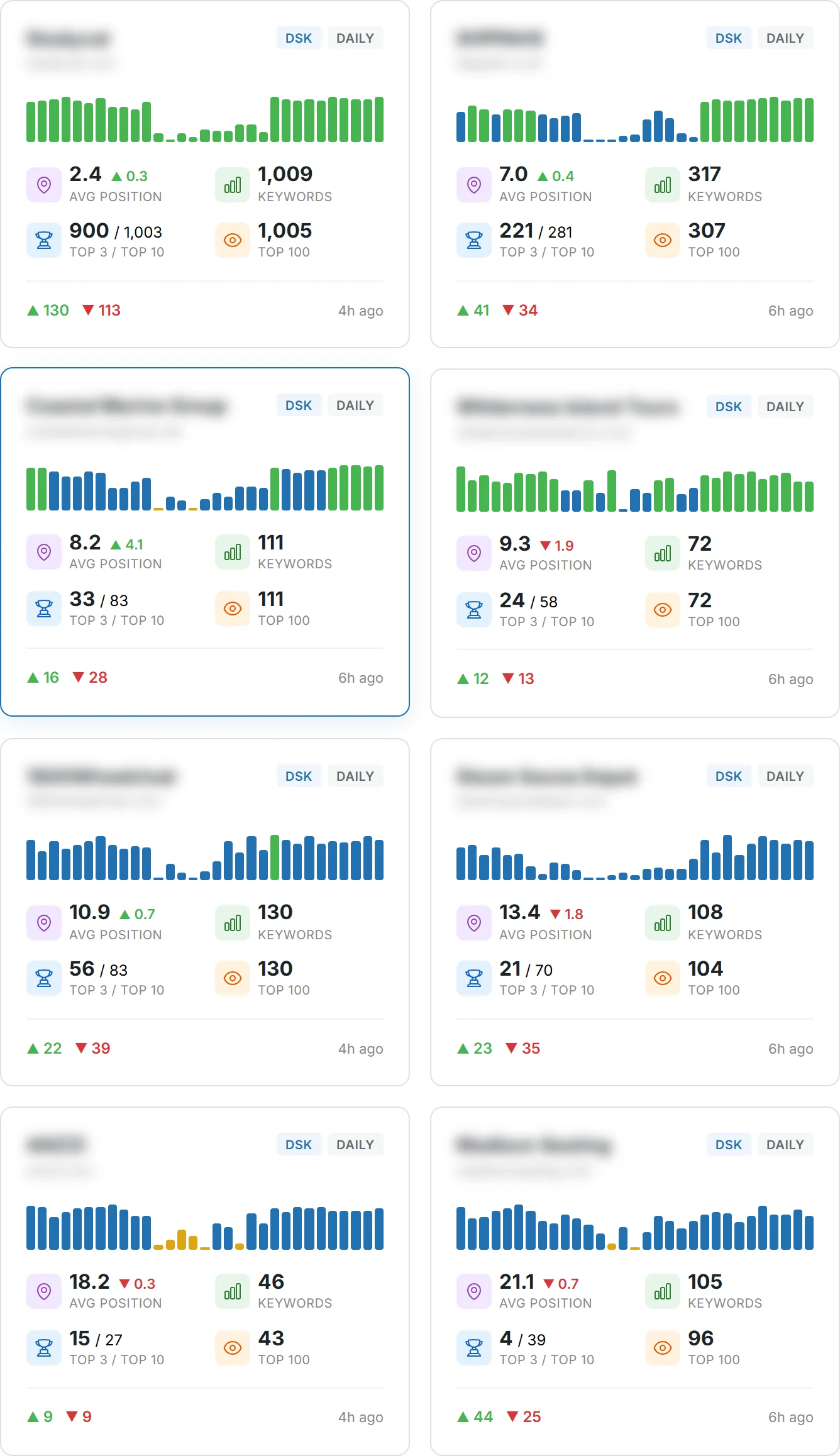
Can a single well‑chosen keyword change how your pages show up in Google search and other search engine results? This guide gives you a clear way to turn that idea into action.
Keyword research is the foundation of SEO. It starts with finding how people search and what they need. Tools like Semrush help you compare competitors, spot gaps, and find long‑tail phrases that match user intent.
You’ll learn a step‑by‑step strategy to map search intent, cluster related terms, and build a content list that improves how your site appears. We cover on‑page placement—title, URL, headings, body, and image alt text—and practical best practices to scale pages with a coherent plan.
By the end, you’ll have a short, actionable list and a roadmap to track results, use competitor insights, and refine your approach as your pages earn visibility.
Key Takeaways
- You’ll get a step‑by‑step guide to turn one keyword into a content plan.
- Research tools reveal gaps and long‑tail opportunities you can act on.
- Map search intent to connect audience problems with realistic ranking terms.
- Organize your list into clusters and plan pages for scalable content.
- Place a focus keyword on each page to signal relevance to search engines.
Understand search intent and your audience before choosing keywords
Understanding why people search is the first step to matching your content to real queries.
Identify your audience and the problems they want to solve. Ask who the user is, what words they use, and which questions show up in search queries. This keeps your content aligned with real needs rather than internal jargon.
Map four intent types to each phrase so you pick the right page format and conversion path.
| Intent type | What users want | Best page type |
|---|---|---|
| Informational | Answers, how‑to steps, explanations | Guide or blog post |
| Commercial | Researching options or reviews | Comparison or review page |
| Transactional | Ready to buy or convert | Product or landing page |
| Navigational | Find a brand or site page | Homepage or support doc |
Quick checklist: use SERP signals—Autocomplete, People Also Ask, and Related Searches—to validate phrasing and intent. Build seed ideas from real search terms and the exact phrases people use in calls, chats, and emails. For each phrase, note the user goal and the page you’ll create to satisfy it.
Define seed keyword groups that reflect how people search
Use live SERP signals to form groups that match real queries.
Collect two to four seed search queries and paste each into google search. Capture Autocomplete suggestions to see how people expand the topic with practical words and phrases.
Open the results page and scan People Also Ask for related questions. Add those questions to your group as supporting topics. Then scroll to Related Searches to find adjacent concepts you might miss from the seed alone.
How to organize what you find
- Consolidate similar suggestions into groups that mirror user intent and content types.
- Label each group with the primary intent (informational, commercial, transactional) and the best page type.
- Enrich groups with a research tool: log search volume and SERP features to help prioritize.
- Check your site and other websites for examples, and document preferred wording in search terms and queries.
Create a simple research sheet for each group with example phrases, notes, and possible H2/H3 outlines so drafting content is faster and consistent.
Analyze competitors to uncover proven keyword opportunities
Begin the process by finding which websites show up alongside your pages in search results.
Use the Organic Research overview and open the Competitors tab. Pick up to four domains that overlap with your site and open their Positions report. This reveals the exact page and phrases where they rank in Google’s top 100.
Identify true online competitors and review their ranking pages
Review each ranking page to see how it meets user intent. Note title patterns, subheadings, internal links, and answer placement that earn snippets or other SERP features.
Use organic research to filter by search volume, difficulty, and SERP features
Filter by volume, difficulty, or features to focus on realistic opportunities. Use a strong competitor as a proxy if your website lacks data.
Capture winning terms and export or save to a keyword list
Select relevant phrases and add them to a central list or export to a spreadsheet for team review and briefs.
“Compare positions across multiple competitors to spot gaps your content can fill.”
| Action | Why it matters | Output |
|---|---|---|
| Competitors tab | Find overlapping websites in organic results | List of competing domains |
| Positions report | See ranking pages and phrases | Exportable page list |
| Filters | Prioritize by volume, difficulty, SERP features | Shortlist of realistic terms |
| Export/Add to list | Share and prioritize with your team | Centralized brief-ready list |
Run a keyword gap analysis to find missing and weak opportunities
Use a competitive overlap check to find missing phrases and low-performing queries you can win quickly.
Start by comparing your site with up to four competitors in Semrush’s Keyword Gap tool. Select your regional database, then apply a Keyword Difficulty filter below 50 to highlight attainable terms.
Next, use the Intent filter to separate informational, commercial, transactional, and navigational searches. Focus on the “Missing” and “Weak” lists—these show phrases your site either doesn’t rank for or ranks far below rivals.
Compare portfolios, filter by difficulty, and assess intent
Sort results by search volume inside your chosen difficulty band to balance reach and achievability. Group similar terms into coherent content clusters so each page answers a clear query.
Prioritize Missing and Weak terms with clear relevance
Add top candidates to your Keyword Strategy Builder list or export them for stakeholder review. Label each entry with intent, SERP features, and the page type you’ll create. Document why each term qualifies—relevance, achievable difficulty, and a visible content gap—to keep prioritization consistent across the team.
“Compare your site’s portfolio against competitors to surface Missing and Weak keywords that represent the clearest opportunities to improve results in less time.”
- Filter by difficulty and intent to avoid irrelevant but easy queries.
- Use the Top Opportunities widget to surface high-value candidates.
- Export the final list and attach briefs so each page starts with a defined search goal and outline.
Expand with long‑tail keywords for easier wins and specific queries
Find easier wins by uncovering longer search phrases people actually use when they need specifics.
Start with a clear seed phrase in a tool like the Keyword Magic Tool. It will generate thousands of related long‑tail keywords and phrase ideas you can sort through.
Apply filters for Keyword Difficulty and set word count greater than four to surface 4+ word queries with reasonable search volume. This reveals specific keywords that often have lower competition.
Review clusters of related phrases. When several variations sit around the same subtopic, plan a dedicated page to cover that angle in depth.
- Check Personal KD by entering your URL to see where your site already has authority.
- Send chosen phrases to Position Tracking or your planning list, or export them for briefs.
- Use long phrases as supporting content around a pillar page to strengthen internal links and create more entry points from search.
“An example: ‘very small inground pools’ narrows intent and competition compared with a broad alternative, letting you craft a precise page that ranks faster.”
Organize your target keywords into clusters and page plans
Build organized topic clusters that let you plan a main hub page and supporting articles.
Start by sending your shortlist from the Keyword Gap or the Keyword Magic tool into the Keyword Strategy Builder and create a new list. Then click Cluster this list to group related phrases automatically.
Review each cluster for intent, volume, and competitor results in the SERP. Pick one hub page per cluster and mark which supporting pages will answer specific queries or use long-tail keywords.
Use presets to prioritize fast wins and revenue pages
Apply the Easy Start preset to surface low-difficulty pages that can gain traffic quickly. Use Quick Conversions when you need commercial pages that drive revenue sooner.
Keep a clean list with fields for phrase, intent, KD, volume, draft title, and next steps. Export clusters or send them to an AI article tool to generate SEO-friendly drafts and speed production.
- Define one page as the hub and link related pages back to it to concentrate relevance on your site.
- Pair broad core terms with long-tail phrases in the same cluster to cover depth and discovery.
- Review top-ranking pages per cluster to see what wins and where you can stand out with clearer answers or richer media.
On‑page optimization essentials: place keywords where they matter
On‑page signals tell search engines which pages solve a user’s query—use them wisely.
Choose one focus keyword per page and use it consistently in the title tag so your snippet matches user intent in google search. Keep the phrasing natural; clarity helps click‑through and relevance.
Focus keyword usage in titles, URLs, headings, body, and alt text
URL slugs should include the main term or a close variant. Keep slugs concise and remove filler words so the address reinforces topical relevance.
Put the phrase in your H1 and H2s and early in body copy to signal page focus. Use related terms throughout the content to cover concepts for the user and the search engine.
Add descriptive alt text that includes the focus term where appropriate. This helps accessibility and gives another on‑page hint about the page topic.
Optimize internal links with meaningful anchor text that reflects the destination term. Make sure each page targets a distinct topic to avoid cannibalization.
- Write a compelling meta description that summarizes intent and invites clicks.
- Keep answers above the fold and use scannable headings for fast comprehension.
- Run tools like Semrush’s On Page SEO Checker for specific optimization ideas per page.
“Select one focus phrase per page and place it where users and crawlers see it first.”
target keywords vs. broader keywords: balance reach, relevance, and effort
Picking precise phrases versus broad ones changes how people find your site and how likely they are to act.
Use specific keywords when you need clear intent and faster conversions. For example, “backyard chickens” signals hobbyists with a purchase or how‑to intent. These phrases have lower search volume but higher relevance to your business and often convert better.
When broader terms can support discovery and topic coverage
Broader terms expand reach and help build authority, but they demand more resources and patience. A word like “chicken” shows up in noisy search results and in google search rankings for many websites. Expect more competition and longer timelines for results.
How to balance reach, relevance, and effort
Pair a pillar page that targets broad terms with multiple specific pages that cover subtopics.
- Use the pillar to capture discovery and anchor internal links.
- Use specific pages to win niche searches and drive conversions.
- Evaluate each phrase by search volume, difficulty, and business relevance before you invest.
“Balance broad coverage for discovery with specific pages for precision; both types work together in a practical SEO strategy.”
Track how people arrive via different searches and align CTAs with intent. Revisit performance and shift resources as your site gains authority and traffic grows.
Conclusion
Wrap up your process by turning research findings into a repeatable content roadmap.
Use this guide to get started: define seed ideas from your audience, validate phrases with SERP signals, and run keyword research to find the right opportunities. Apply competitor research and gap analysis to build a prioritized list and cluster related queries into clear page plans.
Make sure every page follows on-page best practices. Give each page one focus keyword, supporting terms, and internal links that guide users. Track search volume, rankings, and engagement so you learn what works and refine your content list over time.
These tips form a practical workflow that scales. Repeat quarterly: update research, revise pages, and expand clusters as your site gains authority in google search and other search engine results.
FAQ
What is the first step you should take before choosing target keywords?
Understand search intent and your audience. Map informational, commercial, transactional, and navigational intents, then translate audience problems into seed keyword ideas that reflect real queries people use on Google Search and other search engines.
How do you find seed keyword groups that match how people search?
Use Google Autocomplete, People Also Ask, and Related Searches to surface common phrases and queries. These tools help you build seed groups and find terms that align with user queries, search volume, and common search behavior.
How can competitor analysis improve your keyword research?
Identify true online competitors and review their ranking pages. Use organic research tools to filter by search volume, difficulty, and SERP features. Capture proven terms, export them to a list or tool, and adapt the best-performing phrases for your content strategy.
What is a keyword gap analysis and why should you run one?
A gap analysis compares your portfolio with competitors to find missing and weak opportunities. Filter results by Keyword Difficulty and intent, then prioritize “Missing” and “Weak” terms that have lower difficulty and clear relevance to your business goals.
When should you expand with long‑tail keywords?
Expand with long‑tail phrases when you want easier wins and to target specific queries. Start from a seed phrase, surface longer 4+ word terms, filter by difficulty and word count, and spot subtopics that deserve dedicated pages to drive targeted traffic.
How do you organize search terms into useful clusters and page plans?
Cluster related terms to build pillar pages and supporting content. Evaluate intent, search volume, and SERP competitors for each cluster. Use strategy presets like Easy Start and Quick Conversions to guide which pages to create first and how to distribute effort across your site.
Where should you place the most important keywords on a page?
For effective on‑page optimization, place key phrases in the title tag, URL, main headings, body copy, and image alt text. Ensure natural usage and relevance to the page’s intent to improve rankings without keyword stuffing.
How do you balance specific keywords versus broader terms?
Go specific when you need precision and conversions—these keywords often have higher intent and better ROI. Use broader terms to support discovery and topic coverage, then link broader pages to specific long‑tail pages to create a discovery-to-conversion path.
What metrics should you use to filter and prioritize search queries?
Filter by search volume, Keyword Difficulty, and relevance to user intent. Also consider SERP features and competitive landscape. Prioritize terms with a balance of achievable difficulty, meaningful volume, and clear alignment with your business goals.
Which tools and websites help you find and validate phrases?
Use established tools like Google Search Console, Google Ads Keyword Planner, Ahrefs, SEMrush, and Moz for research and validation. These tools provide search volume, difficulty, related queries, and organic research to inform your content and SEO strategy.
How do you make sure your page list and keyword groups stay organized?
Export winning terms into a spreadsheet or keyword tool and tag by intent, volume, and priority. Regularly update the list, run gap analyses, and monitor search results to adjust your content calendar and site structure as search behavior changes.