What You'll Need Before You Start
Nothing fancy here — just access, a bit of patience, and a system for tracking your progress. Here's the checklist:
An active Google account with admin access to your Google Business Profile login (or the ability to create one from scratch)
A verified business address or service-area setup, plus a phone number you'll use consistently everywhere
Login access to your website backend (WordPress, Shopify, whatever you run) to update NAP details and schema
A spreadsheet or notepad to log citation sources as you build them — you'll thank yourself later
A free Google Maps ranking checker or grid rank tracker to measure your starting position before you touch anything
Photos and video of your business, storefront, team, or products — real ones, not stock images
30–60 minutes a week for reviews, posts, and profile updates; citation cleanup usually takes a focused afternoon upfront
Patience. Map pack movement isn't instant. Expect early signals in 2-4 weeks, clearer ranking shifts by week 8-12
Got those? Good. Let's get your profile built the right way — citations first, everything else stacked on top.
Three businesses on the same block, same category, same star rating — and only one shows up in the map pack. That's not luck. It's citations, and most business owners get the order backward.
They'll spend hours picking the perfect photos or agonizing over a Google Business Profile description before ever fixing a mismatched phone number sitting on forty directory sites. Google's local algorithm leans hard on consistency signals that live outside your profile entirely — name, address, and phone data scattered across the web, checked against what you've listed in your dashboard. Get that foundation wrong, and nothing else you do to rank higher on Google Maps will stick.
Here's the part that surprises people: this isn't a guessing game. It's mechanical. Fix your citation base first, then layer in profile completeness, reviews, photos, and posts on top of a foundation that actually holds weight with Google's crawlers. Skip the order, and you're optimizing a house with no slab underneath it.
No fluff, no theory. Just the sequence that gets local businesses into the three-pack and keeps them there.
What You'll Achieve and What You Need Before You Start
Picture a plumbing company stuck in position nine on the map pack, invisible to anyone scrolling past the top three pins. Six weeks after building citations first and cleaning up their profile, they're sitting in the three-pack for their main service category. That's the target here — not vague "better visibility," but a specific, verifiable jump in local pack position that you can screenshot and compare week over week.
The End Result: A Map Pack-Ready Google Business Profile
By the end of this guide, your profile will have consistent citations, complete categories, and the signals Google actually weighs when it decides who to show first. That's the mechanical path to rank higher on Google Maps instead of guessing at tricks.
Tools and Access You'll Need (Login, Dashboard, Verification)
Before starting, confirm you have admin login to your Google Business Profile dashboard, a verified business location, and access to update your website. Without verification, none of the citation or profile work below sticks — Google won't trust unverified listings enough to rank them.
Step 1: Claim and Verify Your Google Business Profile
No verified profile, no map pack spot. That's the blunt truth behind trying to rank higher on Google Maps without doing this first step. Google won't show an unverified listing in local results, period, so verification is where every real campaign starts, not citations, not reviews.
How to Find the Google My Business Login and Sign Up Page
Search "Google My Business login," and Google will route you to the current Business Profile Manager. If you're starting fresh, use the Google My Business sign-up flow and enter your business name, category, and address exactly as it appears elsewhere online. Already claimed once before? Log in through the same Google Business Profile login page instead of creating a duplicate.
Common Verification Roadblocks and How to Fix Them
Postcards get lost. Phone verification sometimes just doesn't trigger. Video verification requests confuse first-timers. Here's what works: request a new verification method rather than waiting on a slow postcard, double-check your address formatting, and make sure your phone number matches your website's footer.
Once you're verified, track movement with a Google local rank tracker so you know if the fixes are actually working.
Step 2: Build a Consistent NAP Citation Base Across Directories
Ever wonder why two businesses with similar reviews still land in different spots on the map? Citations are often the quiet culprit. Google cross-checks your business name, address, and phone number against listings scattered across the web, and mismatches quietly drag down trust signals that feed into your ranking.
Why Name, Address, and Phone Consistency Drives Local Ranking
Here's the honest answer: Google treats every inconsistent listing as a small red flag. One suite number missing, one old phone line still floating around — that's enough to muddy the signal. Fix the small stuff first. It matters more than people think.
Where to Find Citation Opportunities (National, State, and Niche Directories)
Start broad, then narrow down. National directories, state-level chambers — industry-specific sites all count. Once listings are live, run a local rank checker to confirm the cleanup is actually moving your position instead of just looking tidy on paper.
Step 3: Complete Every Field in Your Google Business Profile Dashboard
73% of listings that rank in the top 3 have every profile field filled out — the rest leave money on the table by skipping half the dashboard. Once your citations are live, your Google Business Profile dashboard becomes the next lever to pull. Blank fields tell Google (and searchers) you're not serious.
Categories, Hours, Service Areas, and Attributes That Matter
Pick a primary category that matches exactly what you sell — not a close guess. Add 2-3 secondary categories, real hours (including holiday hours), and precise service areas. Attributes like "women-owned" or "free wifi" seem small, but they feed the same signals that determine whether you rank higher on Google Maps for niche searches. Skipping these is like leaving blanks on a form nobody reads.
Adding Products, Services, and In-Store Inventory
List every product and service with descriptions, prices, and photos. This is also where Google authority stacking pays off — richer profiles paired with stronger link signals compound results faster than either alone.
Step 4: Add Photos, Videos, and Regular Posts to Your Profile
Most business owners assume photos are decorative. They're not. A profile with fresh images and weekly posts sends a freshness signal Google actually weighs when it decides who gets to rank higher on Google Maps in a given metro.
Upload real photos, not stock. Interior shots, staff, product close-ups — anything that proves a real business exists at that location. Add short videos when you can; profiles with video see more clicks in the local pack.
Then post weekly. Offers, updates, new inventory — treat it like a mini feed. Stale profiles with one photo from 2019 lose to competitors posting monthly, whether that competitor sits in Texas, Florida, Georgia, or Indiana.
Photos: add 3-5 monthly, geotagged if possible
Videos: short, 15-30 seconds, showing the business in action
Posts: weekly, tied to offers or updates
Want the link authority behind that fresh content to actually count? Pairing consistent posting with Google stacking seo gives Google more indexed signals pointing back at your profile, which compounds the ranking effect over time.
Step 5: Generate and Respond to Reviews Consistently
A flooring shop in a strip mall sits at position eight on the map pack for weeks. Citations are clean, the Google Business Profile is verified, and nothing moves — until the owner starts asking every paying customer for a review on the spot. Six weeks later, with 40 new reviews, the listing cracks the top three. Review volume and recency are two of the clearest signals Google uses to rank higher on Google Maps, and most owners ignore them until it's too late.
A Simple Weekly Review-Response Routine
Block 20 minutes every Monday for this:
Request: text or email the last week's customers a direct review link from the Google Business Profile dashboard.
Respond: reply to every new review within 48 hours, positive or negative.
Reference: mention the service and location by name in your reply — it reinforces relevance for local ranking.
Log: track review count monthly alongside your ranking checker results.
Consistency beats bursts. Ten reviews a month for a year outperforms 100 in one week, then silence.
Step 6: Optimize Your Website to Support Your Map Ranking
Your website isn't a bystander here. Google reads it side-by-side with your Google Business Profile, and gaps between the two cost you rank.
On-Page Signals Google Cross-Checks With Your Profile
Google compares your site's name, address, and phone number against what's listed in your business profile. Mismatched suite numbers or an old phone line? That's enough to stall your climb to rank higher on Google Maps.
NAP consistency — match your footer and contact page exactly to your profile
Location pages — build a dedicated page per service area, not one generic "service area" blurb
Schema markup — add LocalBusiness structured data so crawlers confirm what your profile claims
Page speed — slow load times quietly undercut local visibility
Mobile layout — most map searches happen on a phone, so test yours on one
Here's the honest answer: a beautiful website with sloppy contact details will lose to a plain one that's accurate. Fix the boring stuff first — it's the foundation everything else sits on.
Step 7: Track Your Progress With a Google Maps Ranking Checker
How do you know citations and profile edits actually moved the needle? You track it. A Google Maps ranking checker shows real position changes instead of guesswork.
Using a Free Local Rank Checker and Grid Tracker to Spot Patterns
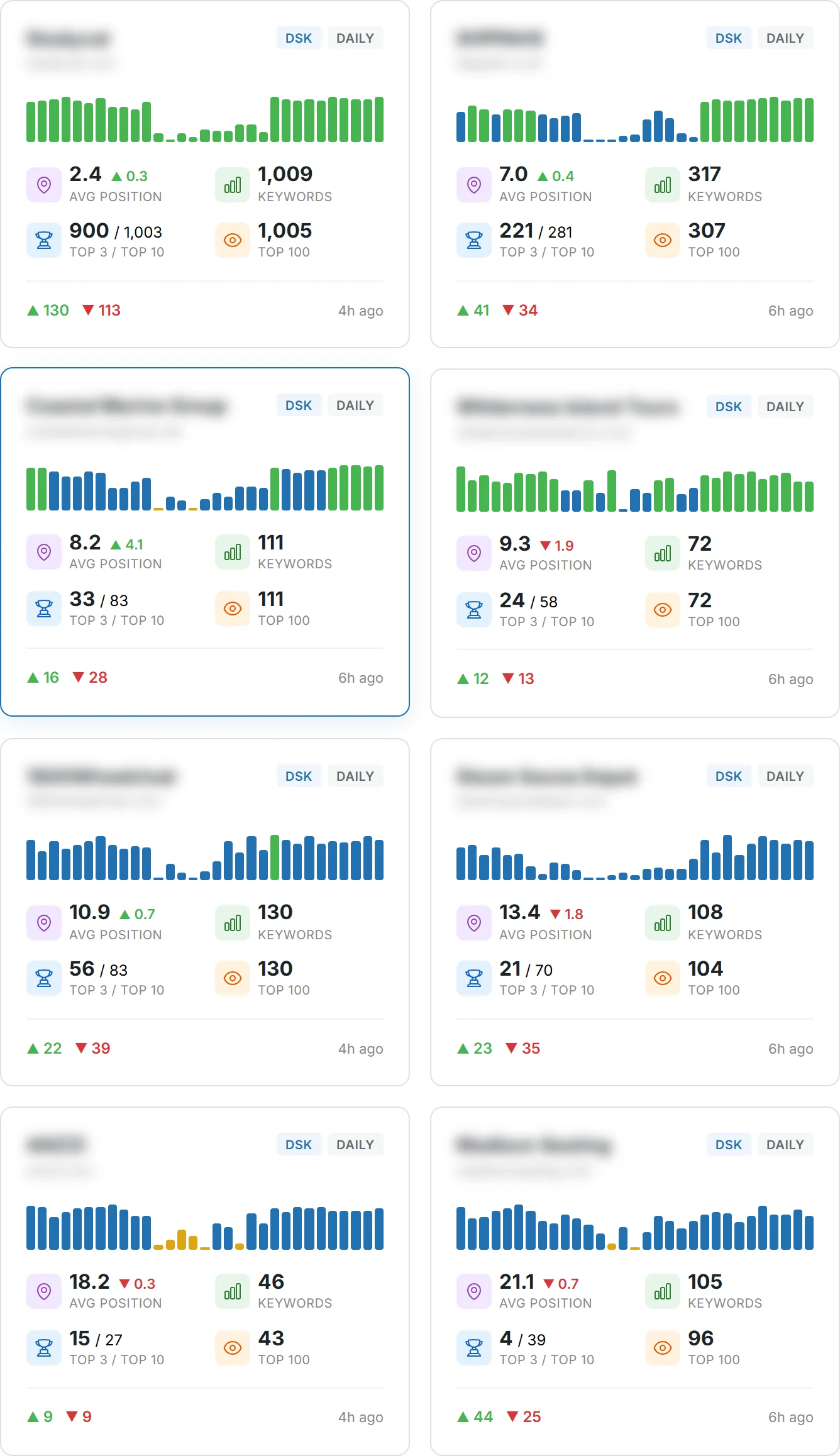
A free local rank checker or grid my business style tool plots your ranking across a map grid, not just one point. This matters because a business can rank #1 two blocks from its address and drop to #15 a mile away. Run a weekly check with a map rank tracker and log the results. Look for:
Clusters where rank drops sharply — often a citation or service-area gap
Steady gains after new reviews or photos
Flat spots that signal a duplicate listing or inconsistent data
Reading Your Rank Tracker Results by Metro, State, or Service Area
Break results down by metro area, not just city. A business spanning multiple counties or states — say Texas and Florida, or California and Georgia — needs separate tracking per service area. National brands checking Michigan, Indiana, and New York locations should compare each state's grid independently. Patterns by region reveal where citations, reviews, or profile completeness need the most work.
Common Mistakes That Stall Your Google Maps Ranking
Roughly one in four Google Business Profile listings has at least one duplicate somewhere online — a leftover from an old address, a rebrand, or a franchise location someone set up twice. That single duplicate can split your ranking signals in half before you even start trying to rank higher on Google Maps.
Duplicate Listings, Inconsistent Citations, and Keyword Stuffing
Three mistakes show up over and over:
Duplicate profiles — two listings competing for the same reviews and clicks. Delete or merge the extra one.
Inconsistent citations — your business name, address, or phone number doesn't match across directories. Google reads that as a trust problem, not a typo.
Keyword stuffing — cramming your business name field with city names or service terms. Google penalizes this fast, and it looks spammy to customers, too.
Here's the honest fix: audit every citation you have — Yelp, Facebook, industry directories, your website's footer — and match them exactly to your Google Business Profile. Consistency beats cleverness every time.
How to Verify Your Google Maps Ranking Actually Improved
Most business owners assume that checking their own phone tells them the truth. It doesn't. Google personalizes results based on your search history and your exact GPS spot, so seeing your listing at the top just means Google knows it's you — not that you rank higher on Google Maps for everyone else.
Real verification needs distance from your bias. Try these methods instead:
Use a free local rank checker or Google Maps ranking checker that simulates searches from different addresses across your metro area.
Run a map rank tracker weekly, not daily — rankings shift, and daily noise hides the real trend.
Ask someone in another state (Texas, Georgia, Michigan, Indiana — anywhere outside your service area) to search and screenshot results.
Check your Google Business Profile dashboard insights for search views and direction requests.
Here's what most people miss: a grid-based checker showing consistent movement across multiple zip codes is worth more than one lucky screenshot. That's the difference between a fluke and an actual ranking gain.
How-To FAQ
Can I pay Google to rank higher on Maps?
No — organic map pack placement can't be bought. Google Ads can put a paid pin above the organic results for certain searches, but that's a separate ad slot, not a ranking boost for your actual Google Business Profile. The three organic map pack spots are earned through citations, profile completeness, reviews, and proximity — not a budget.
What is level 7 on Google Maps?
There's no official "level 7" ranking factor in Google's own documentation — that phrase usually comes from third-party grid-tracking tools that score visibility on a scale across a mapped grid of points around a business. If you see it referenced in a rank tracker or checker, it's that tool's internal scoring system, not something Google publishes or confirms.
What are the top 3 ranking factors in Google Maps?
Relevance, distance, and prominence — that's Google's own answer, straight from their support documentation. Relevance means how well your profile matches the search. Distance is how close you are to the searcher (or the area they're searching). Prominence covers reviews, citations, and overall web presence — which is exactly why citation building comes first in this guide.
What's the highest level on Google Maps?
Position 1 in the three-pack is the highest organic spot you can hit. Above that, you'll only see paid ads or Google's own features. Don't confuse a rank checker's numeric scale (some go 1-10, some 1-100) with actual map pack position — check the tool's legend before you panic over a low number.
How long does it take to see movement after fixing citations?
Most businesses notice a shift within 3 to 6 weeks — sometimes faster if you had glaring NAP mismatches before. Citation indexing isn't instant. Some directories take days, others take a full month to get crawled and matched back to your profile. Run your checker every two weeks instead of every day; daily checks just show noise.
Is it risky to fix old, duplicate, or incorrect listings myself?
No, and it's actually safer than leaving them alone. Duplicate profiles and mismatched addresses actively confuse Google's matching and can suppress your real listing. Claim the duplicate, request removal or merge through your dashboard, and update the NAP everywhere it's wrong. The only real risk is doing nothing and letting the conflicting data sit there.
None of this works as a one-off. That's the part most owners get wrong — they fix their NAP once, upload a dozen photos, then wonder why nothing moved three weeks later. Citations first, profile completion second, reviews and posts on a steady drip after that. That's the order, and skipping ahead doesn't speed anything up.
Here's what matters most: consistency beats intensity. Thirty accurate directory listings will do more for your map pack position than a hundred sloppy ones with three different phone number formats. Pair that with a fully built-out profile and a review cadence you actually stick to, and the ranking signals start compounding instead of canceling each other out.
And don't guess at whether it's working — check it. A grid tracker or a local rank checker tells you exactly where you stand across your service area, not just at your front door. If you want to rank higher on Google Maps and keep that position once you've got it, treat citation cleanup as the foundation, not a checkbox. Run your first audit this week, fix what's broken, then track it every month from here on.